

Setting up a webhook
When you create a webhook in Palm Console, you specify:- URL — The HTTPS endpoint that will receive events. HTTP is not supported.
- Events — The event types you want to subscribe to.
whsec_...) at creation time. This secret is returned once — store it securely. You’ll need it to verify that incoming requests are from Palm.
Event format
All events follow a consistent naming pattern:Event catalog
A note on naming: Webhook event types use
user (e.g., user.verification.completed); elsewhere the docs may refer to a “person.” These are the same entity — the event names reflect the API resource name.Verification events
Fired when verification processing completes. Payloads include the verification ID, risk level, match results, and — for business verification — associate results.Monitoring events
Fired when Palm detects a change in a monitored business’s authoritative record. These events only fire for businesses enrolled in Monitor.Filing events
Fired when a Comply filing changes status. These events cover formations, EIN applications, and other filing types.
Routing by filing type. Every filing event payload includes
data.object.type:
Registered agent is not a filing. It is a standalone resource with its own status lifecycle and its own
registered_agent.* events — see Registered agent events. On a formation it appears in the related_items bundle as a registered_agent item, never as a filing.Case events
Fired when Palm opens or updates a case requesting information to complete a filing. See Cases.Platform events
Fired when entities are created or removed through the API.Document events
Fired when Palm attaches a document to one of your resources on its own initiative — a filing artifact or forwarded registered-agent mail. Does not fire for documents you upload yourself.Document types
Forwarded registered-agent mail
Registered agent
Filing artifacts
Registered agent events
Registered agent is a standalone resource, not a filing. It carries the registered-agent record ondata.object and moves through its own status lifecycle (pending → active → termination_requested → terminated, plus failed). It never emits filing.* events.
Example payloads
Every event type has a complete, realistic example payload — including each variant (formation vs. EIN filings, each registered-agent state,case.resolved, *.removed, business.filing.overdue) — in the dedicated Webhook example payloads reference.
Verifying signatures
All webhook payloads are signed using HMAC-SHA256. Always verify signatures before processing events. Palm sends three headers with every delivery:
To verify:
- Extract the timestamp (
t) and signature (v1) from thePalm-Signatureheader. - Check the timestamp is within 5 minutes of current time. Reject stale timestamps to prevent replay attacks.
- Construct the signed payload:
{timestamp}.{raw_request_body}. - Compute HMAC-SHA256 using your webhook secret (
whsec_...). - Compare your computed signature with the
v1value using constant-time comparison.
Retries and delivery
Timeout — Your endpoint must respond within 10 seconds. Return a 2xx immediately, then process the event asynchronously. Retry schedule — If your endpoint returns a non-2xx status or times out, Palm retries:
After 5 total attempts (1 original + 4 retries), Palm marks the delivery as
failed.
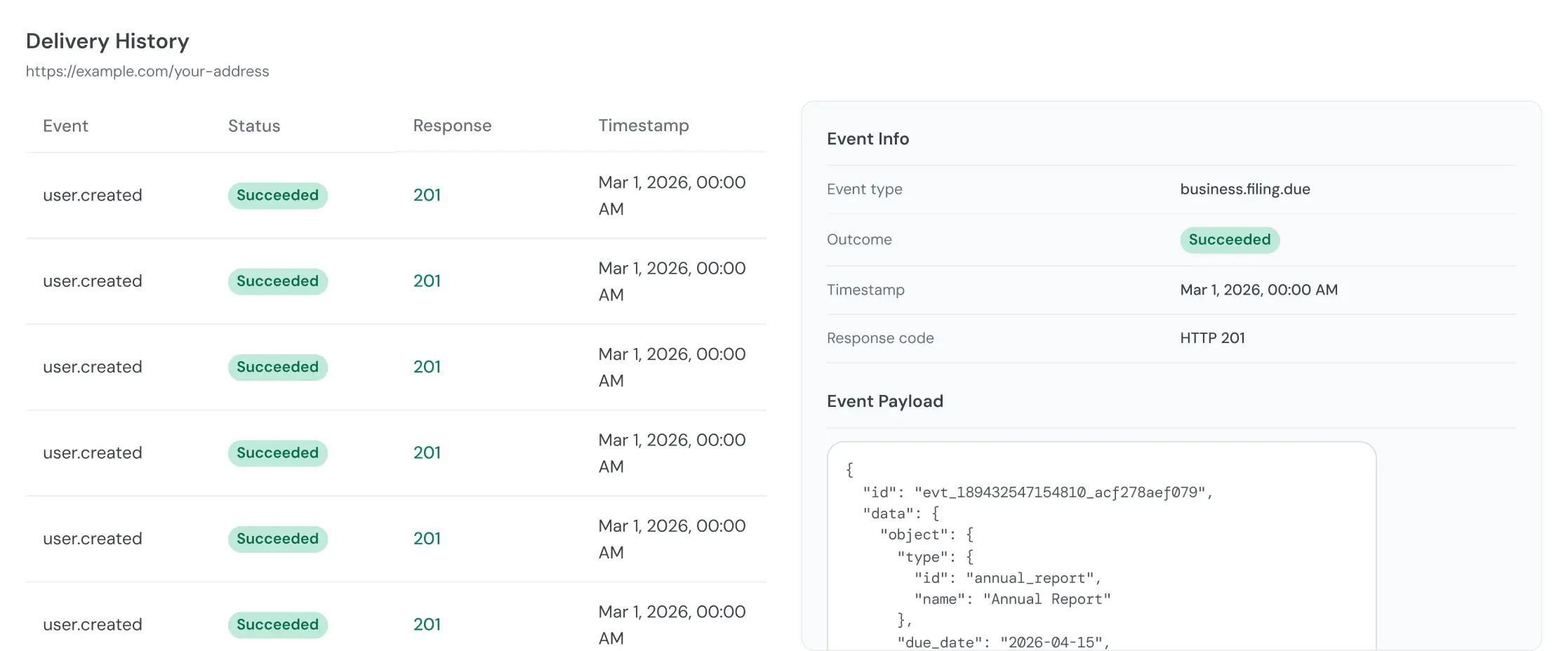
Auto-disable — If a webhook accumulates 10 consecutive failed deliveries across any events, Palm automatically disables it. Check webhook execution logs in Palm Console to monitor delivery health.
Idempotency
Palm may deliver events more than once. Use the eventid field to deduplicate. If your processing is not naturally idempotent, store processed event IDs and skip duplicates.
Best practices
- Respond fast, process later. Return a 2xx immediately and handle the event asynchronously. Heavy processing that exceeds the 10-second timeout will trigger retries and eventually disable your webhook.
- Always verify signatures. Validate the
Palm-Signatureheader on every request. This is your only guarantee the event came from Palm. - Deduplicate with event IDs. Network issues can cause duplicate deliveries. Store the
idfrom each processed event to avoid processing it twice. - Subscribe selectively. Only subscribe to events you act on. If you don’t need
user.createdevents, don’t subscribe — it reduces noise and load on your endpoint. - Monitor delivery health. Check webhook execution logs in Palm Console regularly. A pattern of failures usually means your endpoint is slow or returning errors.